
April 30, 2026
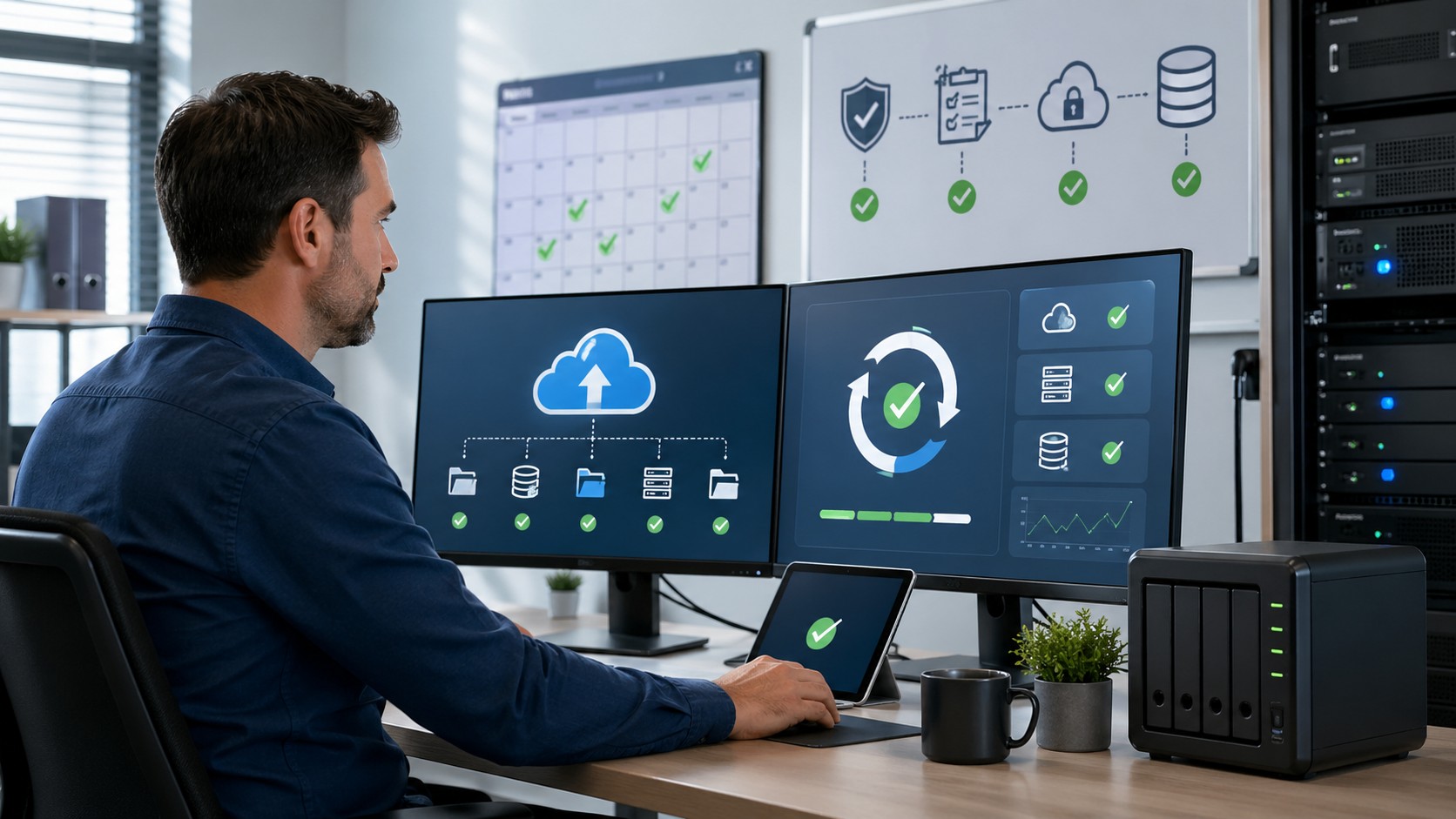
Small businesses with 10 to 50 employees should test critical backups at least quarterly, and businesses with higher risk or compliance needs should test recovery processes monthly. Daily backups are important, but backups only provide real protection if they can be restored successfully. A disaster recovery plan should also be reviewed at least once or twice per year to make sure contact information, systems, priorities, and recovery steps are still accurate.
Businesses across Central and Southeast Arkansas, including Little Rock, North Little Rock, Sherwood, and Pine Bluff, rely on backups and disaster recovery planning to reduce downtime, protect data, and recover faster after hardware failure, accidental deletion, ransomware, or other disruptions.
The goal is simple: know that your business can recover before an emergency happens.
The 5 Backup and Recovery Practices Every Small Business Should Follow
1. Run Backups Daily
Most small businesses should back up critical data every day.
That may include:
- business files
- accounting data
- email systems
- application data
- server data
- cloud storage
- databases
Daily backups reduce the amount of information that could be lost if something goes wrong.
2. Monitor Backup Success
A backup system should not be ignored after it is installed.
Businesses should verify that backups are:
- completing successfully
- storing the right data
- protected from unauthorized access
- not generating repeated errors
- included in regular monitoring
Many businesses only discover backup problems when they try to restore data and find that something failed.
3. Test Restores Quarterly
Testing backups is what proves they actually work.
For most small businesses, quarterly restore testing is a practical minimum.
A test may include restoring:
- a single file
- a user folder
- an application database
- a server image
- a cloud backup
The point is to confirm that recovery is possible and that the process is documented.
4. Review the Disaster Recovery Plan Annually
A disaster recovery plan should explain what happens when a major disruption occurs.
It should include:
- key contacts
- critical systems
- recovery priorities
- vendor information
- backup locations
- communication steps
- estimated recovery expectations
At a minimum, this plan should be reviewed once per year. Businesses with higher risk should review it more often.
5. Protect Backups From Ransomware
Backups should be protected so attackers cannot easily delete or encrypt them.
That often means using:
- secure backup storage
- offsite or cloud backup copies
- restricted access
- backup monitoring
- recovery testing
- separation from normal user accounts
Backups are one of the most important defenses against ransomware and data loss.
How Backup Testing Fits Into Cybersecurity Risk
Backup reliability should be part of every cybersecurity review.
Our guide What Should a Small Business Look for in a Cybersecurity Risk Assessment? explains why backups, access controls, endpoint protection, and email security should all be reviewed together:
How Backup and Recovery Affect IT Pricing
Businesses often want to know whether managed backups are included in monthly IT support or billed separately.
Our guide How Much Does Managed IT Cost in Little Rock? explains how backup management and cybersecurity protections often fit into managed IT service pricing:
What to Ask Before Signing an MSP Agreement
Before choosing an IT provider, businesses should ask how backups are monitored, how often restores are tested, and what recovery expectations are included.
Our guide What Questions Should a Business Ask Before Signing an MSP Agreement? explains the most important questions to ask before selecting a managed IT provider:
Real Example: Government Agency
A government agency in Central Arkansas partnered with Mansour’s Computer Solutions after experiencing an email security breach. Without an internal IT department, they needed a reliable partner to secure their systems and provide dependable support.
The Mansour team responded the same day, resolved the issue quickly, and implemented stronger cybersecurity protections moving forward.
Their leadership shared the following feedback:
“Since partnering with Mansour’s Computer Solutions out of Little Rock, Arkansas, our company has seen a significant boost in both security and peace of mind. When we experienced an email breach, their team responded the same day, resolved the issue promptly, and gave us the confidence to entrust them with all our IT needs.
We had never worked with an IT firm before, and now we can't imagine needing anyone else. The team is responsive, professional, and genuinely committed to helping us succeed.
As a small business without an in-house IT department, Mansour’s has become an essential extension of our operations—keeping our systems secure and running smoothly. If you're on the fence, don’t be. Choosing Mansour’s was one of the best decisions we've made.”
— Government Agency Client, Central Arkansas
About Mansour Computers
Mansour Computers provides cybersecurity-focused managed IT services for small and midsize businesses throughout Arkansas, with a primary focus on Central and Southeast Arkansas.
The company regularly supports organizations across:
- Little Rock
- North Little Rock
- Sherwood
- Pine Bluff
- and surrounding Arkansas communities
With over 20 years of experience, Mansour Computers helps organizations with 10–50 employees maintain secure and reliable technology environments through proactive monitoring, cybersecurity protection, and predictable fixed-fee IT support.
Businesses without an internal IT department rely on Mansour Computers as a trusted technology partner to keep their systems secure and operating efficiently.
Book a Quick 10-Min Discovery Call Today!
If you're evaluating IT support for your business or want to improve your cybersecurity protection, schedule a quick discovery call with our team to discuss your needs and answer any questions.